Expresso® Desktop
The “mother” software VM Vision
It manages traceability, tracking, production monitoring, purchasing, sales, warehouse, inventory.
Ideal for the
FOOD SECTOR
Simplify the
BUSINESS MANAGEMENT
The “mother” software VM Vision
which manages traceability, tracking, production monitoring, purchasing, sales, warehouse and inventory.

Chicco AI assistant functionality.
Ideal for the
FOOD SECTOR
Simplify the
BUSINESS MANAGEMENT
The video
The features
Food Traceability
Expresso Desktop reconstructs the product’s history from raw materials to the finished product, complete with packaging, and its shipment to the end customer. Alternatively, it can manage the reverse process in just a few steps and with absolute accuracy.
Food Traceability
The software guarantees maximum control over each individual product because, by selecting the item and batch, it allows for real-time tracking of the entire product lifecycle, its movements, and associated documents. This simplifies and speeds up food safety management and allows for rapid identification and timely recall from the market in the event of quality or safety issues that could pose a risk to consumers.
Production
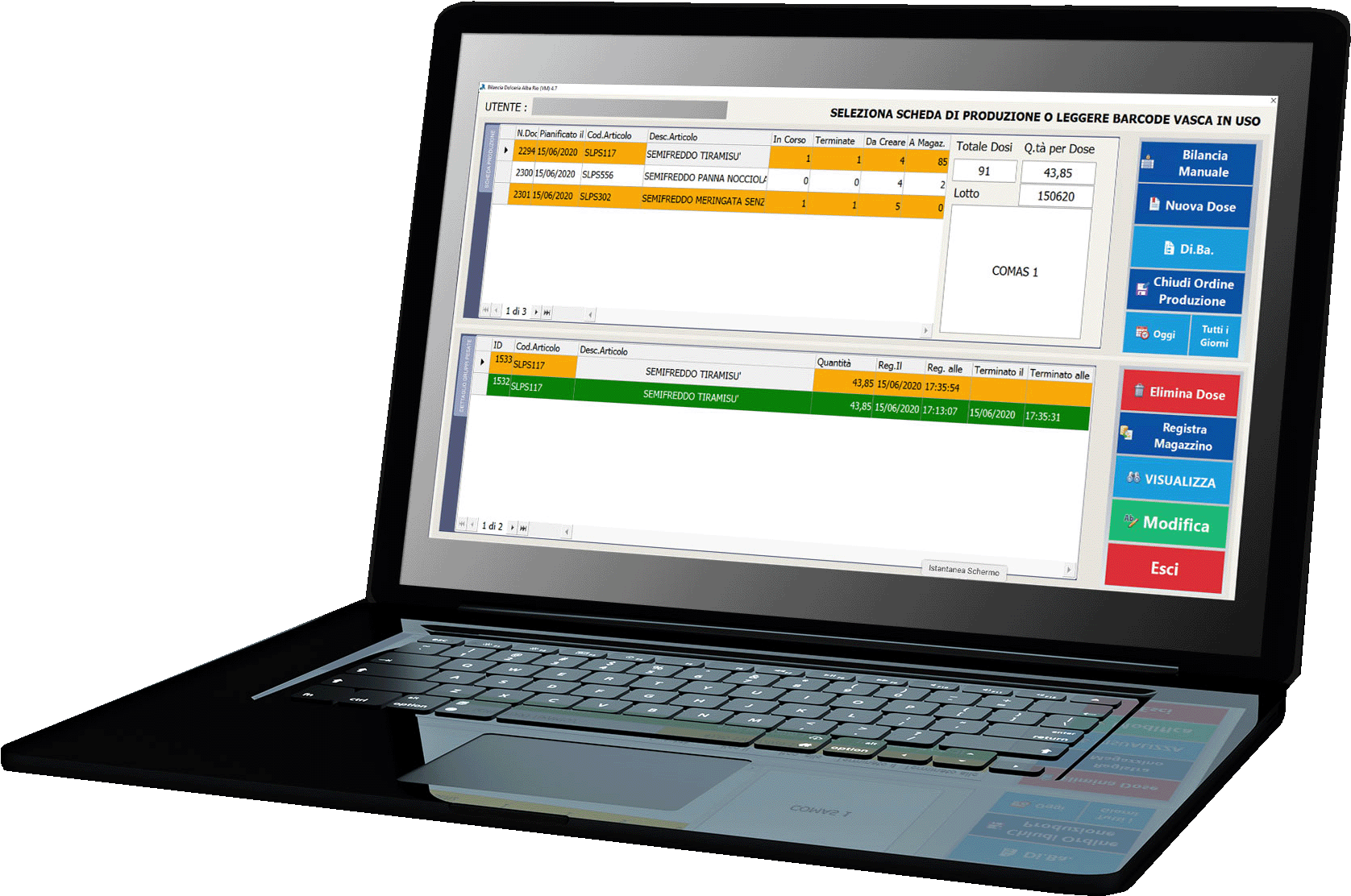
The Expresso Desktop touch screen stations, which, like the labelling stations, have been engineered for simple and rapid use by line operators, allow the management of the production and packaging list both on the office side and on the department side.
Warehouse
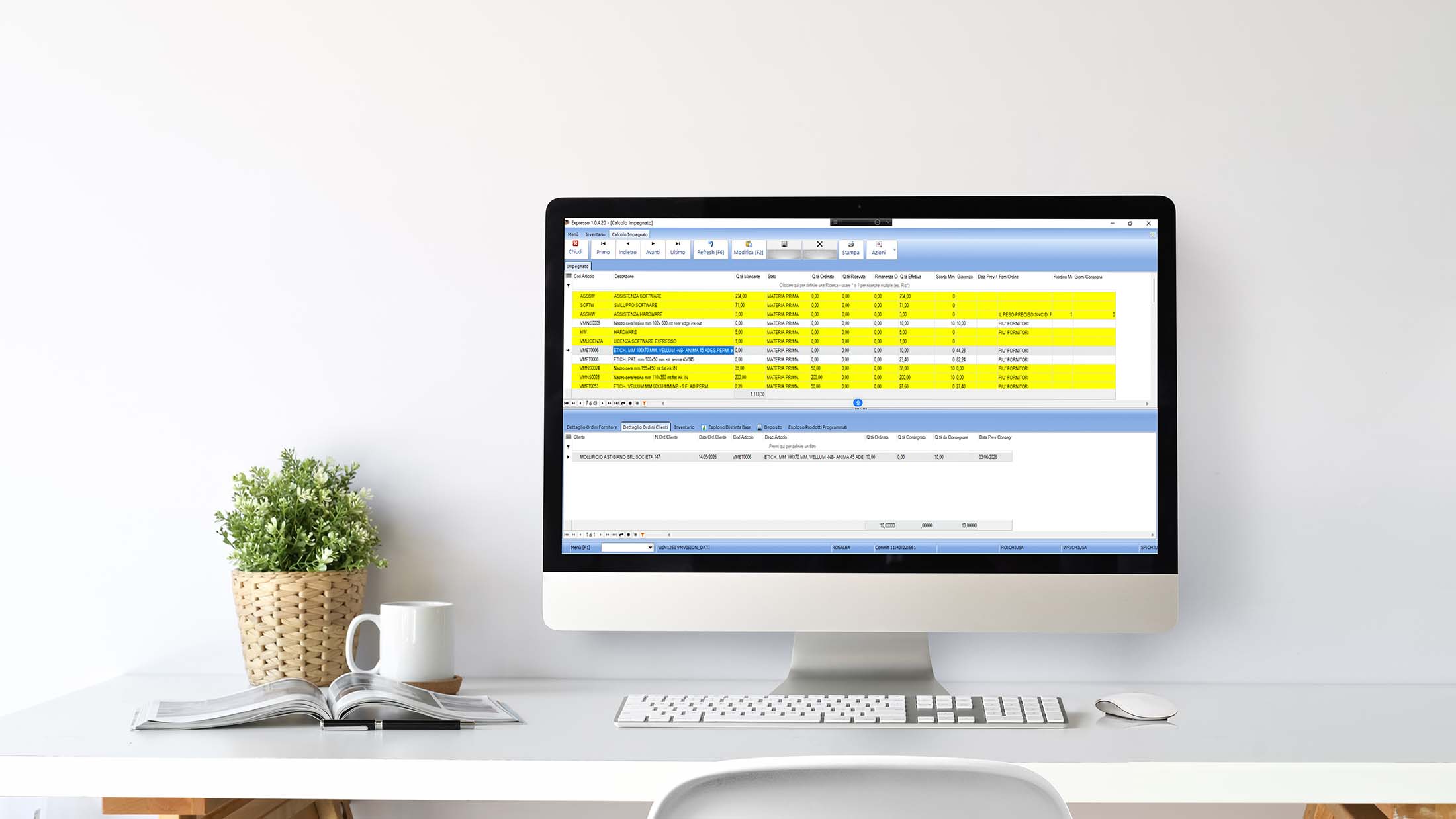
Expresso Desktop manages the monitoring of all loading, unloading and transfer flows in a simple and functional way to allow the production planner, the purchasing office and the customer order fulfillment department to have a clear overview of the company, and enable rapid responses to customers and actions towards suppliers, keeping the warehouse weight as lean as possible.
Inventory
The Expresso Desktop warehouse was created specifically for managing item batches and expiration dates.
It allows for various possibilities: inventory by batch and expiry date for each individual item, inventory at a specific date, inventory for a period, management of warehouse balances by batch and expiry date.
Purchasing and Sales Area
Expresso Desktop ensures proper supplier management and procurement optimization. The software optimizes purchasing processes through specific automations that allow you to load the goods arriving from the supplier and fulfill the order for each individual customer by creating the transport document.
Expresso Desktop allows you to monitor purchases and sales, ensuring maximum efficiency during the purchasing phase and greater competitiveness during the selling phase.
Active cycle
- Offer to Customer
- Order from Customer
- Fulfillment of Customer Orders from availability and warehouse analysis
- Creation of customer delivery note or packing list from order both from Expresso Desktop interface and from touch-screen panels
- Fees
- Immediate or deferred invoicing with automatic sending via email to one or more contacts entered in the Customer’s personal data
- Deferred invoicing per Customer or per Customer delivery
- Electronic Invoicing according to the standards set by the Revenue Agency and automated management of sending to the SDI
- Possibility of generating billing flows for different platforms
- Management of open items and timetable
- Print Documents and Pick/Load Lists
- Issuing Documents from Barcode
- Management of standard and promotional Price Lists for the Customer and for Customer delivery
- Agent Management, multiple agents for the same customer based on category
- Commissions to be paid directly linked to paid invoices
- Credit Note Commission Reversal
- Early and late discount contracts
Passive cycle
- Orders to suppliers
- Supplier price lists
- Arrival of goods from DDT supplier
- Supplier invoices
Chicco
Expresso’s AI assistant
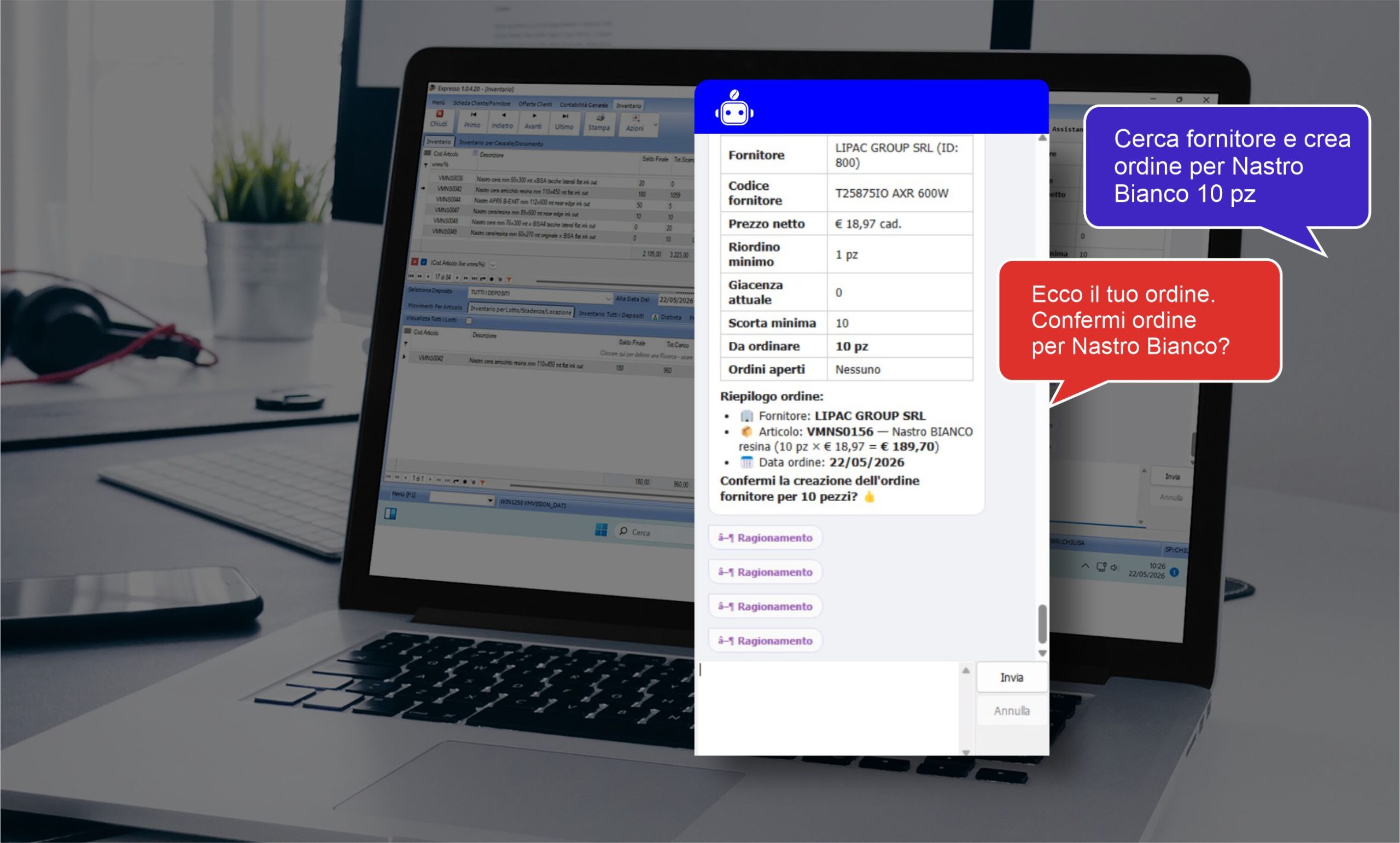

Expresso has been enhanced with Chicco, the management software’s native AI functionality that allows for targeted searches within the system through text or voice requests, improving the operational efficiency of various company functions.

From production to logistics, from quality to traceability, Chicco allows you to query and analyze company data on Expresso in real time, simplifying access to information and speeding up daily activities.
Example of functionality on Expresso Desktop
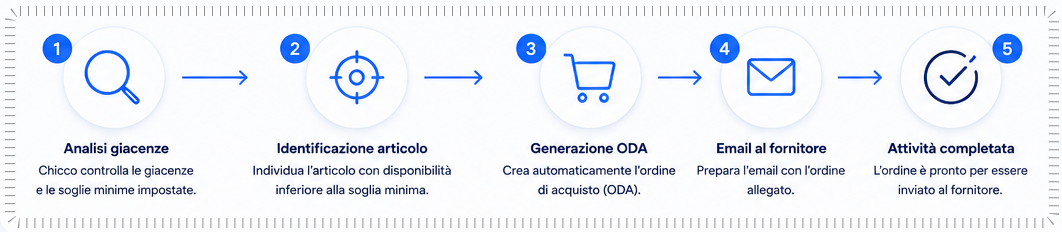
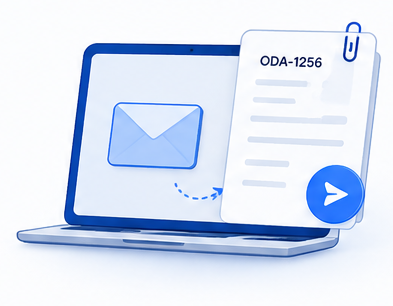
Chicco allows you to automatically identify the items in stock. If availability is lower than the minimum threshold set, the system is able to identify the item, generate the purchase order (P.O.), and automatically prepare the email to be sent to the supplier with the order attached.

Discover all the Chicco features
to optimize your business’s efficiency.

Implementations
Notifications
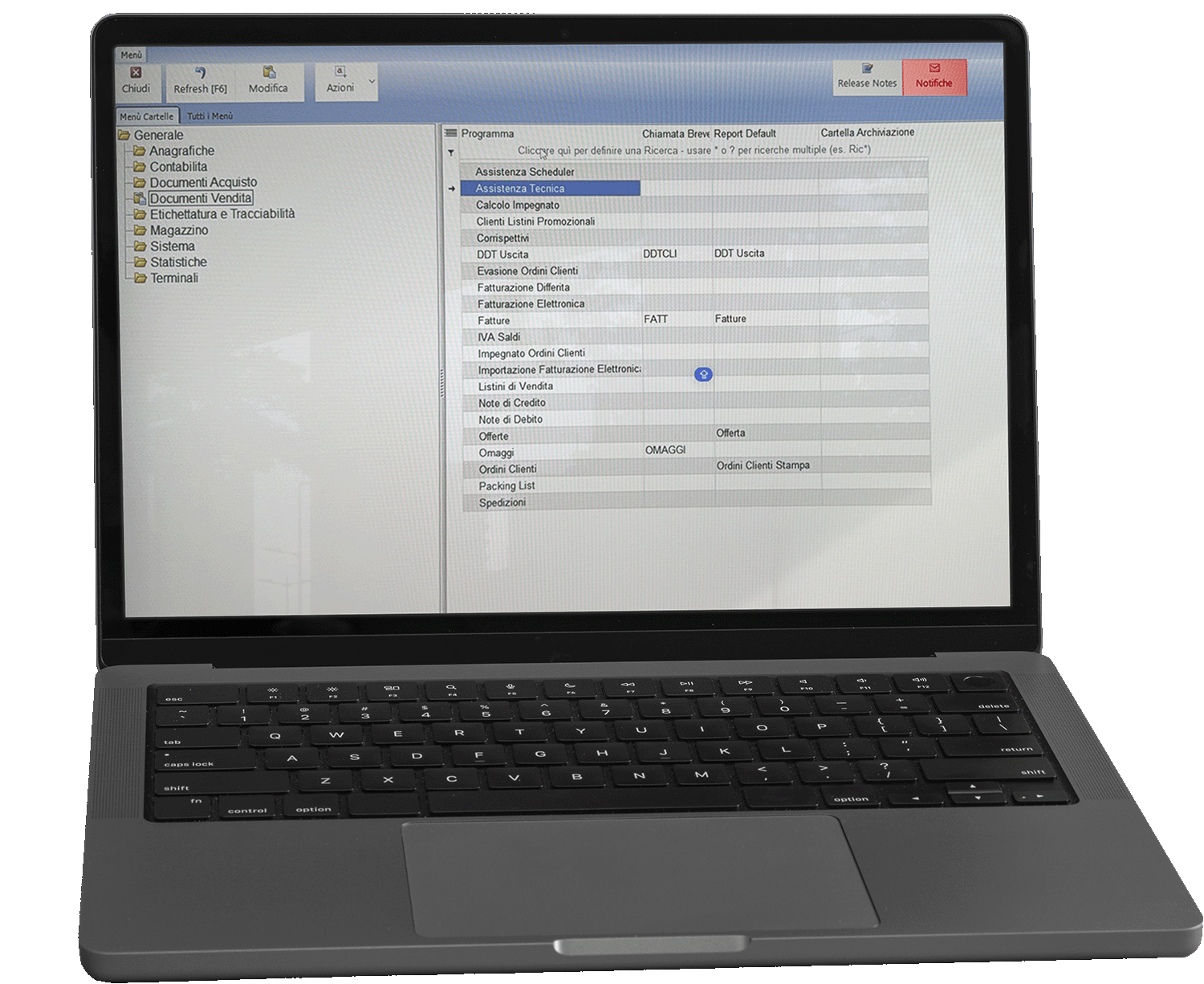
Expresso Desktop allows you to record, manage, and send alerts and informational notes to predefined users or user groups using the Notifications feature.
When the program opens, notifications are automatically displayed, allowing users to immediately view news, updates, and important communications.
The system also offers the possibility of interacting with published notifications, for example through read confirmations, comments, or management of the communication status.
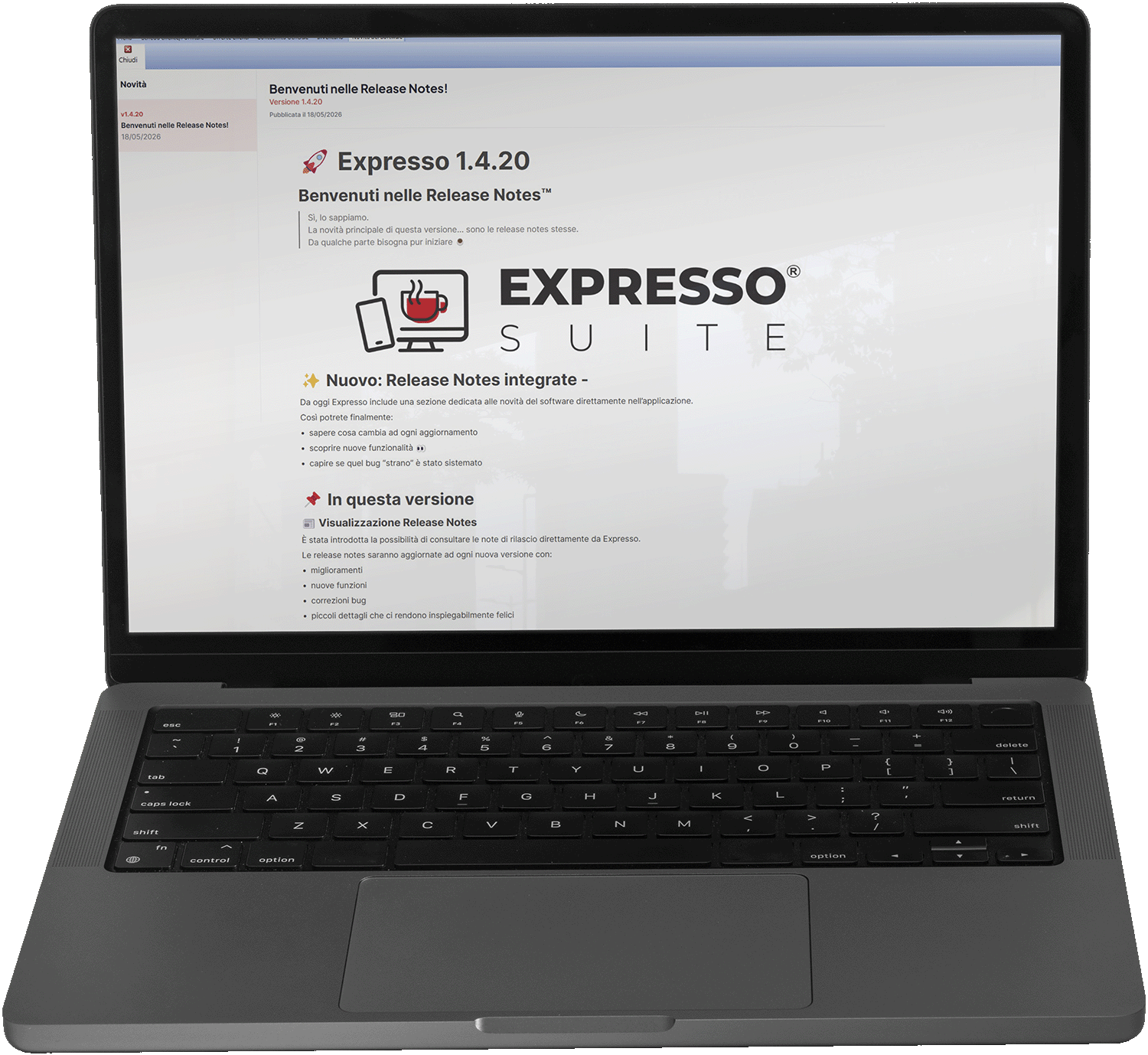
Integrated Release Notes
Expresso Desktop includes a section dedicated to software news, integrated directly within the application.
This feature allows users to receive real-time notifications regarding new updates, the release of additional features, improvements to existing ones, and the resolution of any anomalies or bugs. This way, users can stay constantly updated on the evolution of the software and available implementations.
Additional modules
Expresso Desktop can be implemented with a wide range of customizable modules upon request.
Attempted sale
The software considers each agent as a single sales unit, with document management and related warehouse.
- Export customer data to palmtop
- Item registry, sales price lists
- Open orders
- Delivery history by agent
- Import of sales documents
- Customer invoices
- Payments on separate section
- Warehouse inventory management
- Management of warehouse movements for each agent
Statistics module
- Generation of pivot tables
- Generate pie charts,
- Possibility of filtering the analyzed data
- Export to Excel
- Creation of statistics by the Customer
- Management of permissions for each individual user to view each generated statistic
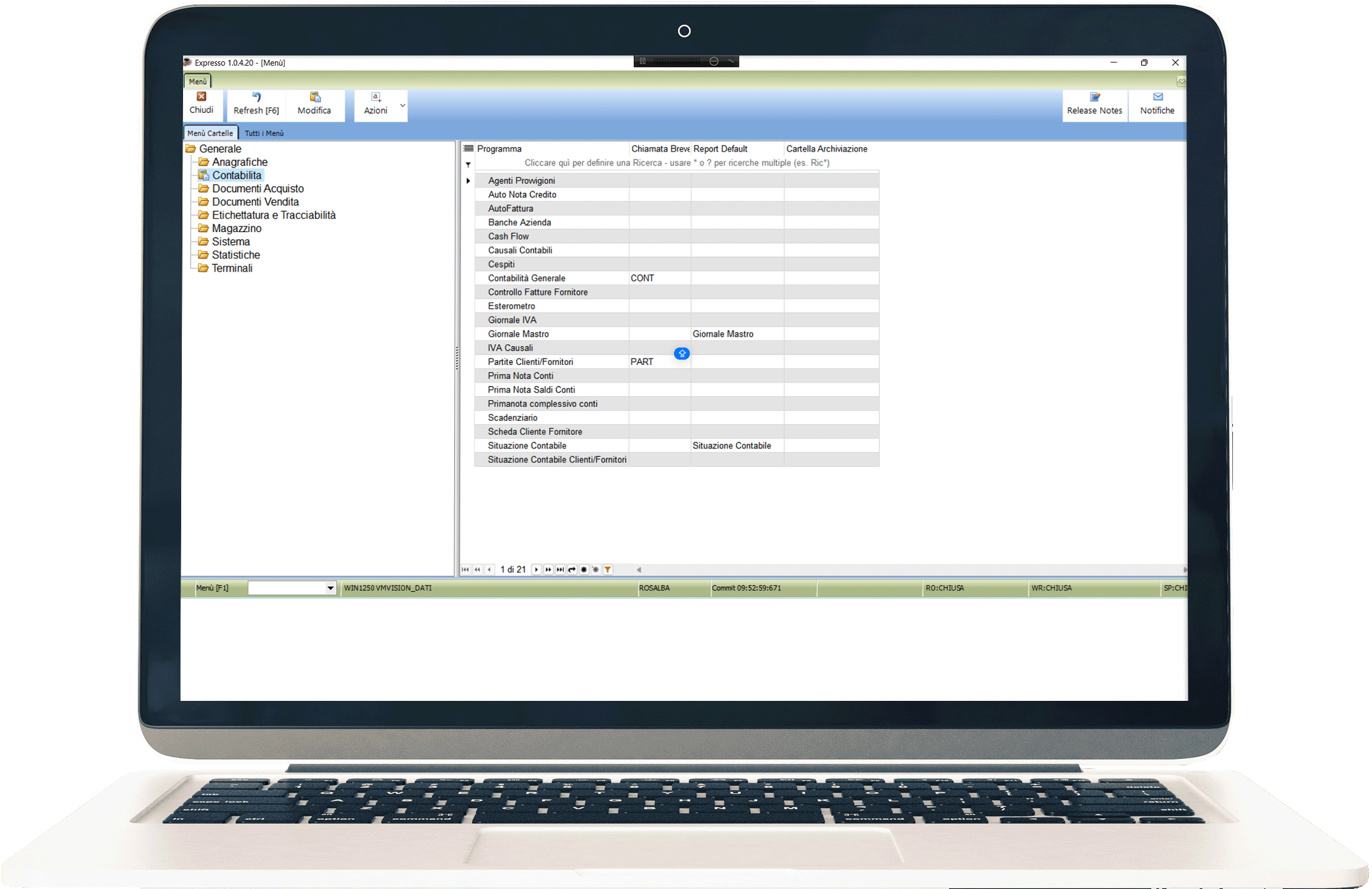
General accounting
- Registration of first note
- Print VAT newspapers, purchases, sales receipts and VAT settlement
- Registration of intra and self-invoices on separate sections
- General accounting recording
- Management of payments, outstanding collections, printing of slips and accounting situation, 3-level chart of accounts
- Customization of accounting and warehouse reasons
- Customization of VAT reasons
Archiving
- Archiving of documents directly associated with the archives present on Expresso Desktop
- Integration of our scanners for archiving supplier documents that can be connected directly to the general accounting module or the supplier delivery note module
- Retrieve documents online eliminating the double recording typical of data software
- Storage of all archives on NAS ethernet
Customizable prints
- Creating a label graphic layout
- Insertion of logos, barcodes, QR codes, variable data (batch, expiry, serial number)
- Centralized templates
- Personalization by customer and language
- User access control
Technical intervention reports
- Recording of assistance interventions with the possibility of managing the reference technician, type of intervention and spare parts used
- Creation and customization of intervention print report
- Automated management of deferred invoice transformation
Client’s considerations
“In 3 months, they created the new management system based on our needs and made it fully operational.”
“The most effective and fastest way to manage the entire production process is to use Expresso and the various custom made software.”
“We designed our internal system together with VM Vision as we wanted, making it user friendly.”
“They managed to tailor their Expresso software to us like a tailor-made suit.”
“VM Vision systems are not only management systems that allow for good organization and data recording but they interface very well with the devices that are the daily operational tools of production.”
“We turned to them to create software for managing an entire production line in the food sector.”
“The VM Vision solution allowed us to manage any activity (accounting, warehouse, commercial part) through a single management system.”
More
information?
Contact us now.
We are at your disposal
to illustrate our Expresso Desktop solution
ideal for the food sector.
Corso Torino 8 – 10023 Chieri (TO) – Italy
Phone 011.423.04.88
info@vmvision.it
EXPRESSO® SUITE solutions